When you only have 25 minutes for a side project, the first five matter. Spend them rereading old notes or deciding what to tackle, and the whole session can slip away. Open a file and know what to change, and you have a chance to finish something.
The trick to working on a side project with a full-time job is to plan for the time you usually have. Pick one small result, give it a short slot in your week, and write down where to start next time. Here’s what that looks like when it’s your own project and no one else is setting the deadline.
Pick a result you can finish in one session
Say you want to build an expense tracker for freelancers. “Work on the dashboard” could mean designing charts, looking up tax categories, or fixing a layout. With 25 minutes, try “Sketch the form for adding an expense.” By the end, you can point to a sketch and decide what it needs.
The same rule works for other projects. If you’re starting a newsletter, draft the opening paragraph of the first issue. If you’re building a portfolio, pick three images for one case study and write a caption for each. If the task could easily take the whole evening, narrow it until you can name what will exist when you stop.
Keep enough context to get back to work
Keep one note with the current goal, a link to the file you’ll work on, and the next action. Put ideas and references below those three lines. That way an interesting example or a better feature idea has somewhere to go without taking over your next session.
For the expense tracker, the goal might be to give someone a way to log a single purchase. A screenshot of a clear date picker belongs in your references if you know how you’ll use it. Bank syncing can sit in the ideas section until you’ve tried the basic flow.
Give the project a slot you can repeat
Start with one slot in a week that looks like yours. If Saturday morning usually gives you 25 quiet minutes, use those. If Sunday evening gives you 15, choose a smaller action. Leave room for rest and the things you’ve already committed to. A session you can repeat is easier to plan around than a long one you rarely get.
Open the file, set a timer, and work toward the result you picked. If you catch yourself wanting to compare tools or redesign the whole thing, jot down the thought and finish the piece in front of you.
Leave a note that tells you exactly where to restart
Before you close the project, write one sentence about what changed and one about what to do next. “Worked on expenses” will make you reconstruct the session. Try something you could follow after two weeks away:
Sketched the form with amount, date, and category. Next time, fill it in with three sample expenses and circle any field that’s missing.
Write the note even when you get interrupted. “Open the form sketch and add a category field” gives you an immediate first move. It also makes a short window useful when your normal slot falls through.
Decide whether to keep going, give it more time, or pause
After a couple of weeks, look at what you’ve made. If you have something to try, use the next session to try it. Let someone fill in the paper expense form, for example, and see where they hesitate. If the project has a clear milestone and you can make room for it, give it more time. If you keep collecting ideas without making anything you can look at or share, make the next task smaller. And if there’s no room for it right now, leave a note about what would make it worth starting again.
Try one session with StayFocus
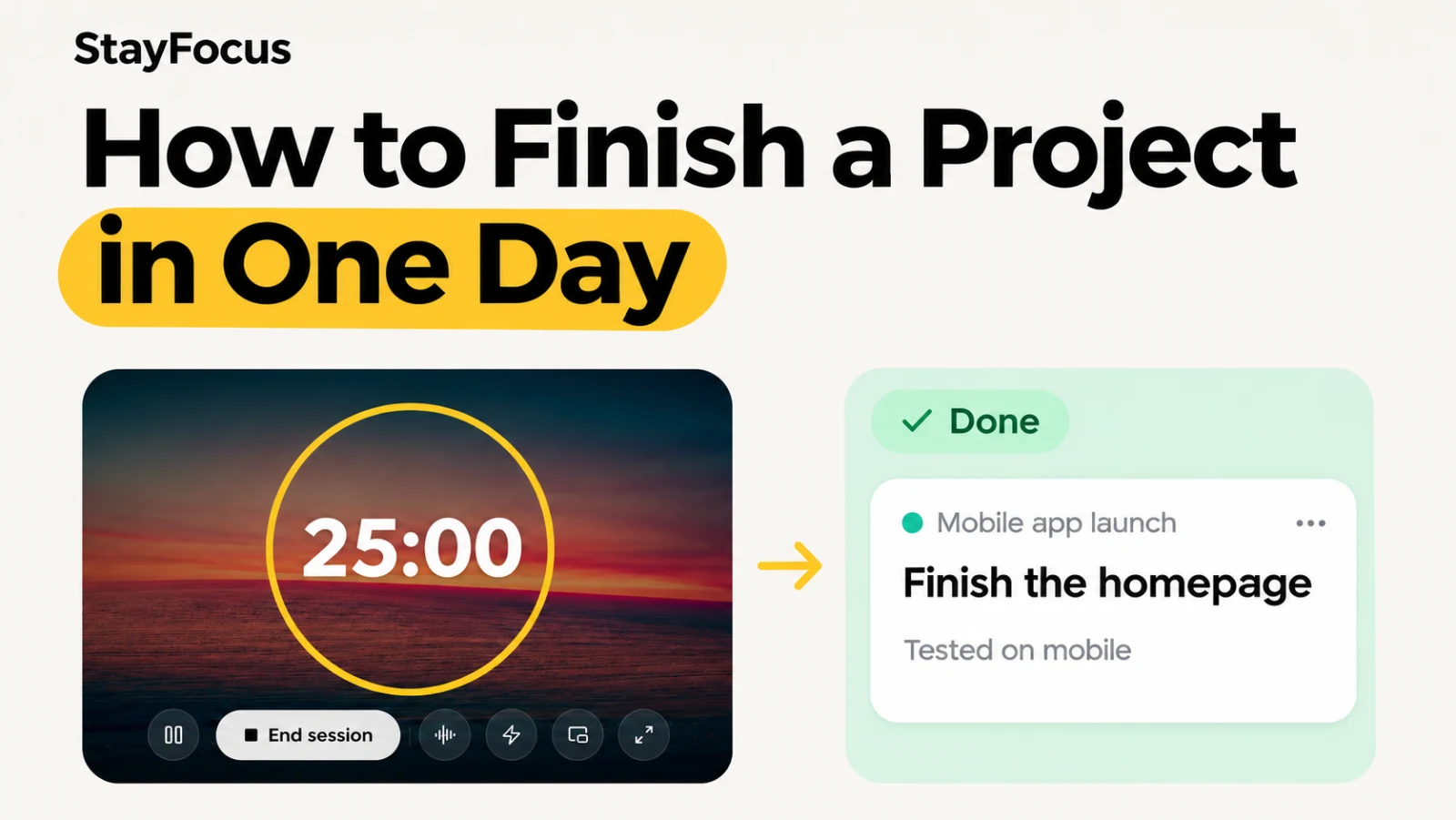
Pick one action and try it with the free online Pomodoro timer. You can start without an account.
If you want to keep the routine in one place, StayFocus gives you a work board for your next action and a timer to work on it. Use Brain Dump to park ideas that pop up mid-session, then leave a short reflection so you know where to start next time.