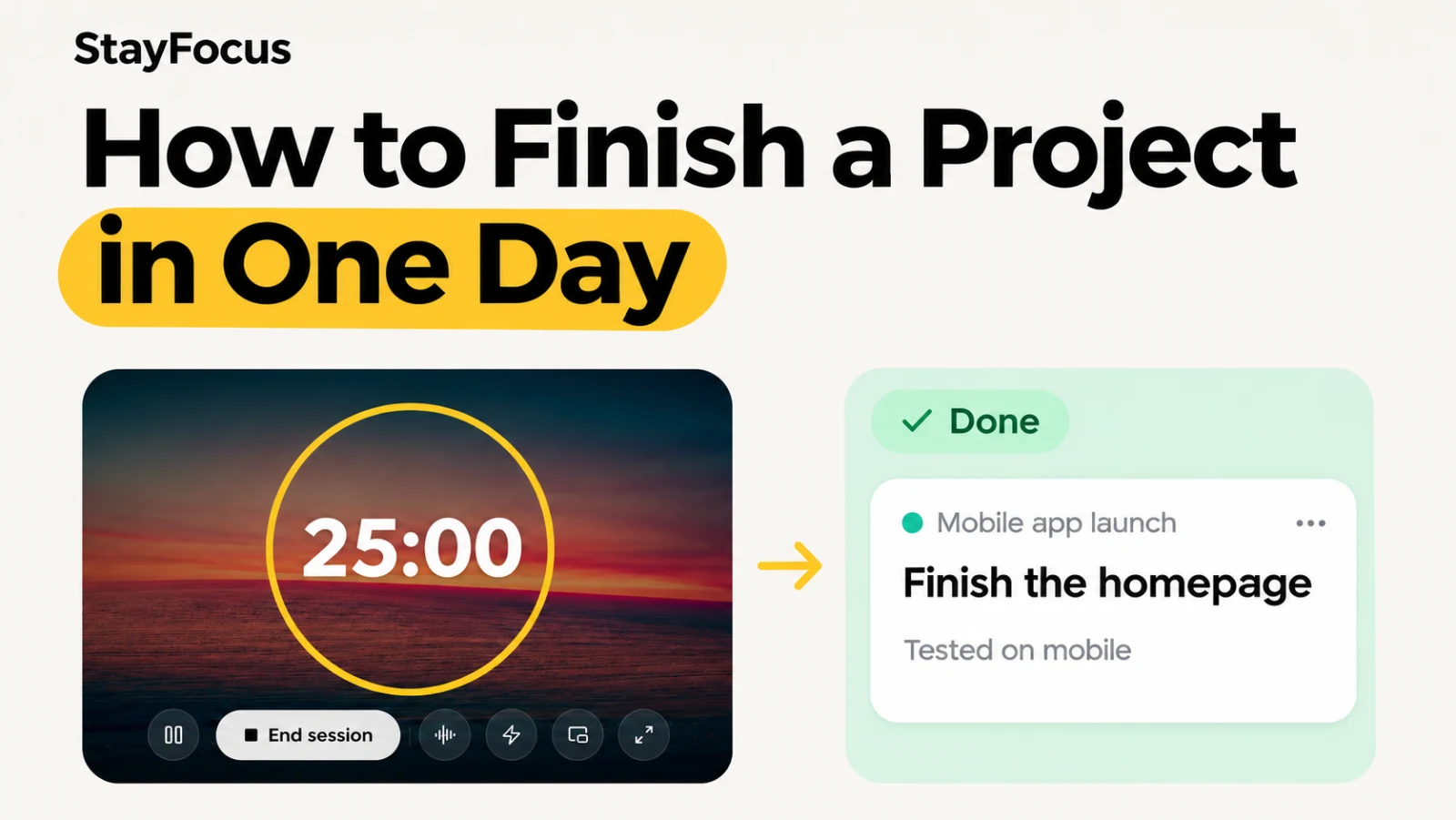
To finish a project in one day, choose one outcome you can check before you stop. Gather everything you need, write down the first action, and block time to do the work and review it. A working signup page, a proposal ready to send, or a short video ready to publish can each be a project for the day.
Long projects can leave you with a lot of effort and very little you can point to. A small, finished deliverable gives you something to use, share, or build on. Here’s how to choose one that fits your day and carry it through in StayFocus.
1. Decide what done looks like
Write a sentence you can check at the end of the day. For a side project, try “The landing page opens on my phone, and the signup button works.” That gives you a specific build and a quick test. You can stop once both are true.
Count the time you have after meetings, classes, or client work. Then check whether anything essential depends on someone else. If a client still owes you feedback, pick a deliverable you can finish yourself, such as a revision with two options ready for review. If you have to learn a new tool first, use a familiar one or scope the day around a prototype you can run locally.
2. Gather your materials and write the first action
Keep a short list of ideas for future one-day projects. When you pick one, collect the assets, access, and references before the first focus session. For a client proposal, that might mean the brief, your pricing notes, and a proposal template. Save links you’ll need again in StayFocus Bookmarks.
Add the work to the StayFocus Work board. Write a first step you can take as soon as you sit down, such as “Open the brief and copy the requested deliverables into the proposal template.” Adding a first step moves a task into Ready, where you can start a focus session from its card.
3. Give yourself time to build and review
If you have two hours, try this schedule for a small deliverable. Name the output of each work block before you start. For a proposal, the first block might produce the scope and price, and the second might produce a PDF you can open and check.
| Time | What to do |
|---|---|
| 10 minutes | Read your definition of done and open the files. |
| 35 minutes | Make the first part of the deliverable. |
| 5 minutes | Take a break. |
| 35 minutes | Finish a version you can test or read through. |
| 20 minutes | Check it against your definition of done. |
| 15 minutes | Fix a surprise issue or save the final version. |
Adjust the blocks to fit the work. You can start with the free Pomodoro timer or attach a timed session directly to the task in StayFocus.
4. Put distractions somewhere you can find them later
Close the tabs you don’t need and give yourself a separate time to check messages. In StayFocus, open Focus mode to keep the timer and the task in view.
A distraction can look like part of the project. While testing a signup button, you might notice that you want to redesign the page header. Put that idea in Brain dump so you can find it later, then finish the signup test. At your break, decide whether any captured idea affects today’s deliverable.
5. Check the result and leave yourself a next step
Open the PDF, play the exported clip, or click through the page on your phone. When the result meets your definition of done, mark the task complete and use your session note to record where the finished work lives. If the file will feed a bigger project, write down the next action as well. “Signup works. Tomorrow, send the preview to three testers.” is enough to pick up where you left off.
If an essential part still needs work, record the blocker and the next thing to try. If you can complete a smaller result that still does something useful, give that version its own finish line and test it before you stop.
Four one-day projects you can try in StayFocus
| If you’re working on… | Finish this today | First action on the Work board |
|---|---|---|
| A developer’s side project | A landing page tested on mobile, with a working signup link. | Open the existing template and add the hero copy. |
| A freelancer’s client work | A PDF proposal with scope, price, and delivery date, ready to send. | Copy the requested deliverables from the brief into the proposal template. |
| A creator’s backlog | One exported short clip with a working title. | Open the transcript and mark one moment that can stand on its own. |
| A student’s exam prep | A one-page review sheet and five questions answered from memory. | Skim one chapter and write down three concepts to explain. |
How often should you plan a one-day project?
Try one on a day with room to spare, then decide whether it helped you return to the larger work. Once a month is a reasonable starting point. In a busy week, a 90-minute window can be enough for a smaller deliverable, such as a rough demo you can show to one person.
Pick something that has been sitting on your list. Write what you can finish today and the first action you can take in the next 25 minutes. Then put it on the StayFocus Work board and start a session.